
Compare · Image-to-video
Grok Imagine Video v1.5 Reference-to-Video vs MiniMax H3 Max Image-to-Video
Grok Imagine Video 1.5 reference-to-video vs MiniMax H3 Max image-to-video — verified SHA-256 baseline vs 3:4 ratio clamping.
Every value below is read from the model catalog at generation time — price and which parameters each model exposes. 7 of the 11 spec rows differ between these two. “Not exposed” means the model has no API parameter for it — it does not mean the capability is absent. Audio is the clearest case: MiniMax H3 generates sound with the clip but offers no switch to control it, while some models expose one.
Specs
Side by side
| Grok Imagine Video v1.5 Reference-to-Video | MiniMax H3 Max Image-to-Video | |
|---|---|---|
| Vendor | xAI | MiniMax |
| List price | $0.12 per second | $0.072 per second |
| Category | Image-to-video | Image-to-video |
| Resolution options | 480p, 720p | 480P, 768P, 1440p-sr, 4k-sr |
| Duration options | not exposed | 5–15s (11 steps) |
| Aspect ratios | 1:1, 16:9, 9:16, 4:3, 3:4, 3:2, 2:3 | adaptive |
| Audio parameter exposed | not exposed | not exposed |
| Seed / reproducibility | not exposed | not exposed |
| Prompt expansion | not exposed | exposed |
| Camera control parameter | not exposed | not exposed |
| Content policy | xAI standard policy · commercial use | MiniMax standard policy · commercial use |
MiniMax H3 Max Image-to-Video is the cheaper of the two at $0.072 versus $0.12 — a 1.7× difference. At five seconds that is $0.36 against $0.60.
Output
What each one actually produces
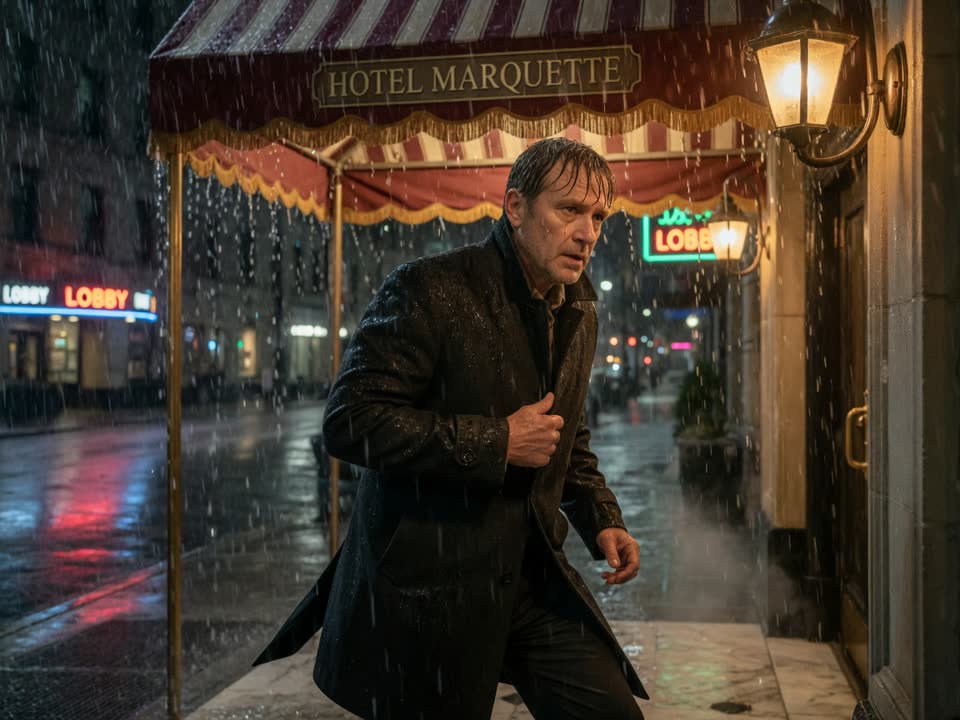
These are the real sample clips from the catalog, with the prompt that generated each. Watch both before you decide — a spec table will not tell you whether the motion reads the way you need it to.
Sample · prompt: “Handheld UGC-style clip. The person from <IMAGE_0> looks at the camera and speaks warmly. Casual phone-camera framing, soft indoor light, short social clip.”
FAQ
Short answers
Which is cheaper, Grok Imagine Video v1.5 Reference-to-Video or MiniMax H3 Max Image-to-Video?
MiniMax H3 Max Image-to-Video, at $0.072 per second. The other is listed at $0.12. These are list prices; billing on this site is not live yet.
How does Grok Imagine Video v1.5 Reference-to-Video fit a product-video workflow?
Grok Imagine Video v1.5 Reference-to-Video: duration not exposed, resolution 480p, 720p. For product clips, start from a clean product photo and describe one camera move.
How does MiniMax H3 Max Image-to-Video fit a product-video workflow?
MiniMax H3 Max Image-to-Video: duration 5–15s (11 steps), resolution 480P, 768P, 1440p-sr, 4k-sr. For product clips, start from a clean product photo and describe one camera move.
What is the maximum clip length for each?
Grok Imagine Video v1.5 Reference-to-Video: not exposed. MiniMax H3 Max Image-to-Video: 5–15s (11 steps). Longer work means multiple takes stitched together, not one longer request.
Which should I use for image-to-video?
Whichever exposes the parameter you need — the table above is the honest answer. If you are iterating, use the cheaper model until the motion is right, then re-render once. If you need a specific resolution path, check the resolution row: some tiers reach it natively and others via a super-resolution pass, which is not the same thing.