Upload the winning product shot
Any 720p–1080p supplier image or AI-retouched product photo.
 minimaxiStudio
Create account
Open Studio
2×–4× Super-Resolution
Amazon and Shopify shoppers pinch-to-zoom on fabric texture and ingredient labels before buying. Generate or retouch at 1K to save money, then run one 4K super-resolution pass on the winning image to recover razor-sharp edges and micro-texture.
Compose a structured product-photo edit brief (white background, scene relighting, packaging text or model try-on) and save it in your workspace.
Quick Template Switcher
Click a task below (white background, scene relighting, label text edit, or flat-lay to model) to load a tested instruction.
Front hero product angle, crisp edges. Frosted glass skincare serum bottle with gold dropper cap, keep brand logo and label text unchanged, pure #FFFFFF white background with soft contact shadow. 4K commercial e-commerce product photography, zero SKU geometry drift, keep original label text sharp — Flux Kontext & Qwen Image Edit.
How it works
Any 720p–1080p supplier image or AI-retouched product photo.
2K for standard web cards; 4K for Amazon hover-zoom and A+ hero banners.
Check small typography, metallic trim, and stitching clarity.
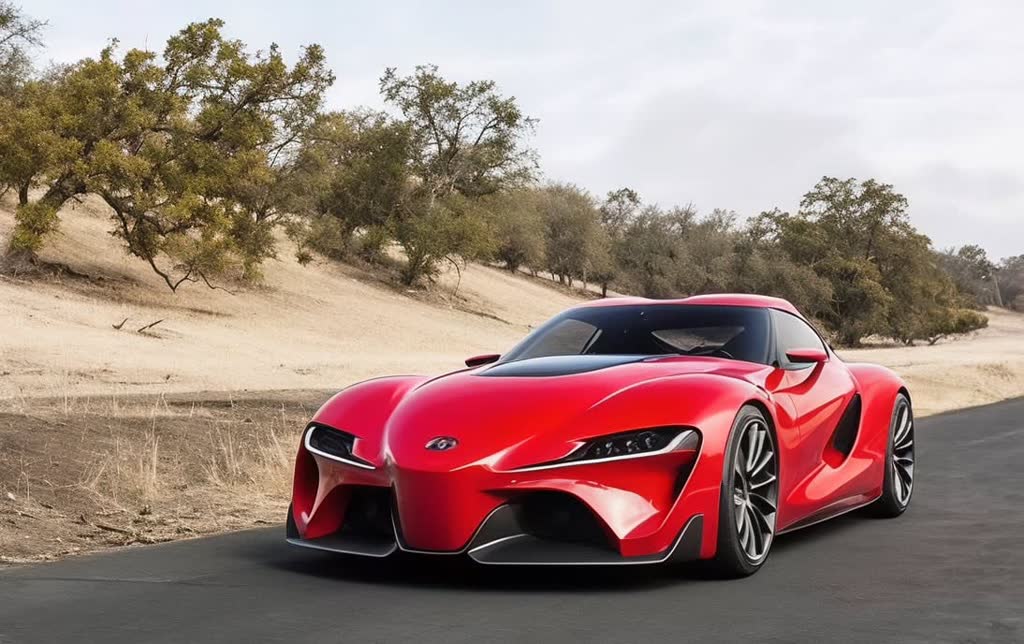
You upload
You export
Under the hood
Every model lists its transparent per-image or per-second price. Combine Qwen Image Edit for text/inpainting with Flux Kontext & Fill for studio relighting.
FAQ
Yes — pairing Tencent Image Upscaler with Qwen Image 3.0 Pro Edit sharpens character strokes on labels rather than smearing them.
Up to 4K on the long edge, exceeding Amazon's 2000×2000 px zoom threshold.
Drafting at 1K and upscaling only the final keeper cuts your per-SKU retouching cost by 60–75%.
Register with your email and password to start. The free period is shown on the homepage and in your workspace. No card is required and there are no automatic charges.
Related tools
Register or sign in to compose structured edit briefs and save your projects (free workspace; no card or paid checkout).