
Flux Dev
Flux-dev text to image model, 12 billion parameter rectified flow transformer.
What it does
Flux Dev, in practice.
flux-dev is a 12 billion parameter rectified flow transformer capable of generating images from textual descriptions.
- High-Quality Image Generation: Produces detailed and visually appealing images from textual prompts.
- Efficient Training with Guidance Distillation: Utilizes guidance distillation techniques to enhance training efficiency and model responsiveness.
- Open Weights: Provides open access to model weights, facilitating scientific research and creative development.
- Versatile Usage: Suitable for personal, scientific, and commercial applications, offering flexibility across various use cases.
- Creative Focus: Designed primarily for creative image synthesis; not intended for generating factually accurate content.
- Inherent Biases: Outputs may reflect biases present in the training data.
Product photo workspace
This page is a model reference. The workspace supports white backgrounds, scene changes, packaging text edits and model try-on using Qwen Image Edit.
Parameters
What you can set.
| Parameter | What it does | Options |
|---|---|---|
seed | The same seed and the same prompt given to the same version of the model will output the same image every time. | default -1 |
size | The size of the generated image. | default 1024*1024 |
image | The image to generate an image from. | |
prompt | The prompt to generate an image from. | |
strength | Strength indicates extent to transform the reference image | default 0.8 |
mask_image | The mask image tells the model where to generate new pixels (white) and where to preserve the original image (black). It acts as a stencil or guide for targeted image editing. | |
num_images | The number of images to generate. | default 1 |
guidance_scale | Flux embedded guidance strength. Higher values make the image follow the prompt more closely. This is not True CFG and does not require a negative prompt. Default 3.5. | default 3.5 |
num_inference_steps | The number of inference steps to perform. | default 28 |
Sample prompt
The prompt behind the sample.
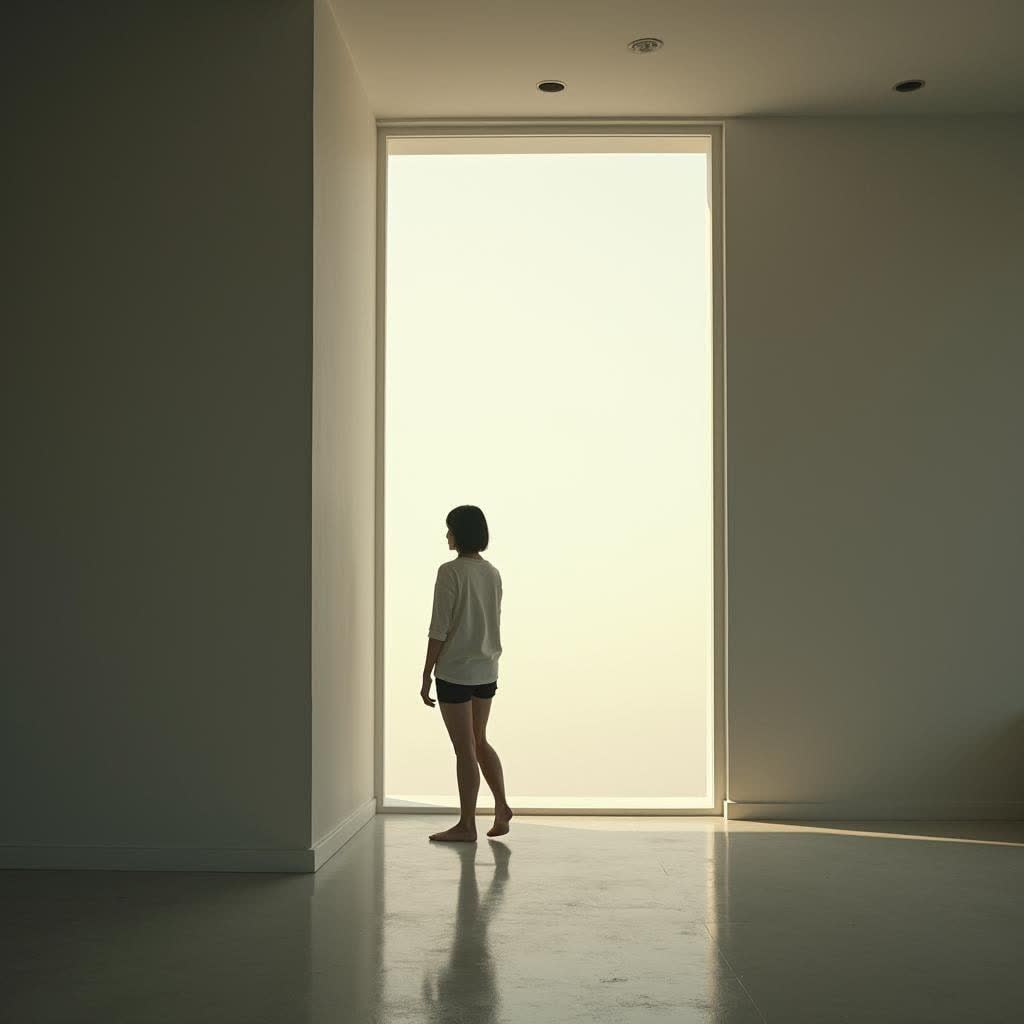
A solitary person standing by a large window in a minimalist interior, soft daylight illuminating the space, gentle shadows, natural tones, realistic photography, calm and cinematic composition.
seed: -1size: 1024*1024strength: 0.8num_images: 1guidance_scale: 3.5num_inference_steps: 28enable_base64_output: enable_safety_checker: TrueFAQ
Short answers.
How much does Flux Dev cost?
List price starts at $0.018 per image at the base resolution; higher resolutions and longer durations cost more. Per-use pricing, no subscription. Model prices are reference prices. The prompt workspace is free during the period shown on the homepage; no automatic charges.
What content policy applies to Flux Dev?
Black Forest Labs's standard content policy, plus this site's commercial-use rules: product, catalog and marketing work. Uploads are processed for your request only and are not used for training.
What does Flux Dev take as input?
It is a text-to-image model. Flux-dev text to image model, 12 billion parameter rectified flow transformer.
How do I use Flux Dev?
Prompt for composition first — subject, lens, light — then style. This is also the fastest way to make a first frame you can hand to an image-to-video model. Register or sign in to edit product photos with Qwen Image Edit. Other models on this page are catalog references.
Compare
Head-to-head, with real specs and samples.
Related