
GPT Image 2.5 Sunburst Edit
GPT Image 2.5 Sunburst Edit applies natural-language instructions to up to 16 reference images, with an optional mask, arbitrary resolutions up to 3840x2160, five quality tiers including xhigh and max, and transparent-background output.
What it does
GPT Image 2.5 Sunburst Edit, in practice.
GPT Image 2.5 Sunburst is OpenAI's upgraded GPT Image generation model, reached through the OpenAI Images API. Generation is asynchronous: submit the request, then poll for the final image URL.
- Up to 16 reference images in a single request, with an optional `mask`.
- Five quality tiers: `low`, `medium`, `high`, plus `xhigh` and `max`, which are new in gpt-image-2.5.
- Arbitrary resolutions up to 3840x2160, and fully supported transparent backgrounds.
- Long prompts: up to 32000 characters.
Product photo workspace
This page is a model reference. The workspace supports white backgrounds, scene changes, packaging text edits and model try-on using Qwen Image Edit.
Parameters
What you can set.
| Parameter | What it does | Options |
|---|---|---|
images | Up to 16 source images to edit. Each entry is a URL, Base64 data, or an asset reference (asset://<ASSET_ID>). | |
prompt | Text description of the desired image. Up to 32000 characters. | |
quality | Rendering quality tier. gpt-image-2.5 adds xhigh and max on top of low/medium/high. Higher tiers cost more per image. | auto low medium high xhigh max |
size | optional string or auto or 1024x1024 or 1536x1024 or 5 moreThe size ofthe generated images.For gpt-image-2.5 is supported as WIDTHxHEIGHT strings,for example 1536x864 . Width and height mustboth be divisible by 16 and the requested aspect r | auto 1024x768 768x1024 1024x1536 1536x1024 2048x2048 2048x1152 1152x2048 2560x1088 1088x2560 2880x2160 2160x2880 |
background | Background of the generated image. When using transparent, set the output format to png or webp. | auto opaque transparent |
output_format | Output image format. | png jpeg webp |
moderation | Content-moderation strictness. low applies less restrictive filtering. | auto low |
mask | Optional mask marking the region to edit. A URL, Base64 data, or an asset reference (asset://<ASSET_ID>). Transparent pixels mark the area the model should replace; it must match the first source image's dimensions. | |
n | Number of images to generate, 1 to 10. Each image is billed separately. | default 1 |
Sample prompt
The prompt behind the sample.
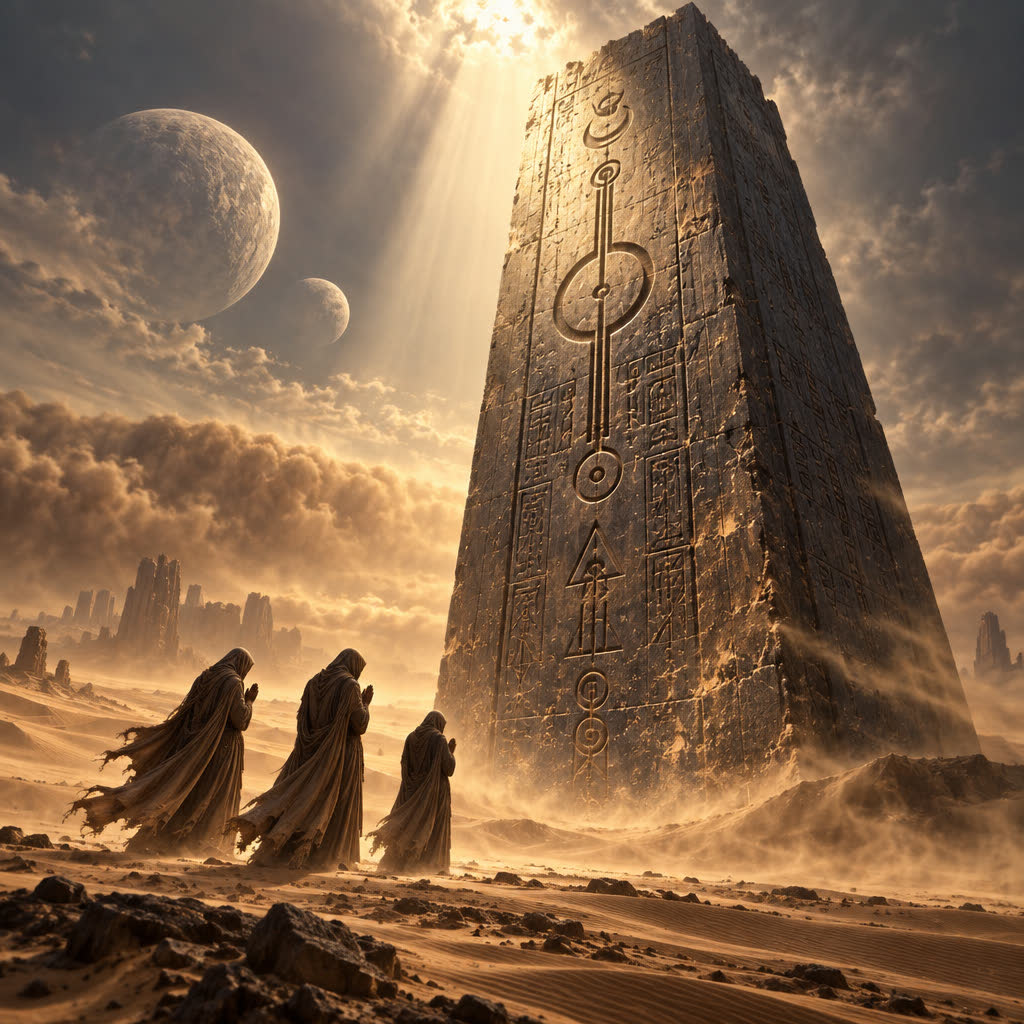
Three mysterious messengers standing solemnly before a colossal ancient monolith, their heads bowed and hands clasped in prayer, performing a sacred ritual in complete silence. The towering monolith rises hundreds of meters above them, covered with mysterious ancient symbols and weathered carvings, its surface partially illuminated by a narrow beam of divine light. Vast desert landscape stretching endlessly into the horizon, violent winds carrying fine sand through the air, long flowing robes billowing dramatically, their silhouettes dwarfed by the monumental structure. Two moons hanging in th
quality: mediumsize: 1024x1024background: autooutput_format: pngmoderation: auton: 1FAQ
Short answers.
How much does GPT Image 2.5 Sunburst Edit cost?
List price starts at $0.0075 per image at the base resolution; higher resolutions and longer durations cost more. Per-use pricing, no subscription. Model prices are reference prices. The prompt workspace is free during the period shown on the homepage; no automatic charges.
Is GPT Image 2.5 Sunburst Edit good for e-commerce product photos?
It is an image-editing model, which is the core job here: background cleanup, relighting, inpainting, label or packaging text fixes and upscaling. Keep one instruction per pass so the product, logo and SKU details stay locked. OpenAI's standard content policy applies.
What does GPT Image 2.5 Sunburst Edit take as input?
It is a image editing model. GPT Image 2.5 Sunburst Edit applies natural-language instructions to up to 16 reference images, with an optional mask, arbitrary resolutions up to 3840x2160, five quality tiers including xhigh and max, and transparent-background output.
How do I use GPT Image 2.5 Sunburst Edit?
Upload the image and describe the edit narrowly. Inpainting, restyle, upscale and background work all do better with one instruction per pass than with a paragraph of changes. Register or sign in to edit product photos with Qwen Image Edit. Other models on this page are catalog references.
Compare
Head-to-head, with real specs and samples.
Related