
Nano Banana Edit
Google's state-of-the-art image generation and editing model.
What it does
Nano Banana Edit, in practice.
Nano-Banana Edit is Google’s advanced AI-powered image editing and generation model, designed to make visual transformation as intuitive as describing it in words. Built on Google’s cutting-edge computer vision and generative research, it combines precision, flexibility, and semantic awareness for professional-grade editing. Try the New Version of Nano Banana!
- Natural Language Editing Modify images using simple text instructions — no masking, layering, or manual tools required.
- Context-Aware Understanding Accurately interprets scene structure, spatial relationships, and object semantics for realistic results.
- Style and Tone Preservation Keeps lighting, shadows, and texture consistent with the original image while applying changes seamlessly.
- High Precision Control Excels at fine-grained edits such as color adjustments, object replacement, or composition shifts with minimal distortion.
- Creative Versatility Suitable for concept art, photography, advertising design, and everyday content creation.
- Input: existing image + text prompt
Product photo workspace
This page is a model reference. The workspace supports white backgrounds, scene changes, packaging text edits and model try-on using Qwen Image Edit.
Parameters
What you can set.
| Parameter | What it does | Options |
|---|---|---|
aspect_ratio | The aspect ratio of the generated media. | 1:1 3:2 2:3 3:4 4:3 4:5 5:4 9:16 16:9 21:9 |
images | List of URLs of input images for editing. | |
prompt | The positive prompt for image generation. | |
output_format | The format of the output image. | default png jpeg |
media_resolution | Controls how input media is processed. LOW reduces tokens per image/video, possibly losing detail but allowing longer videos in context. Supported values: HIGH, MEDIUM, LOW. | default low medium high |
seed | Random seed. Does not guarantee determinism but may improve repeatability. -1 means a random seed will be used. | default -1 |
top_p | Probability threshold for top-p sampling | default 0.95 |
temperature | Creativity allowed in the responses. Best results at default 1.0. Lower values may impact reasoning. | default 1 |
Sample prompt
The prompt behind the sample.
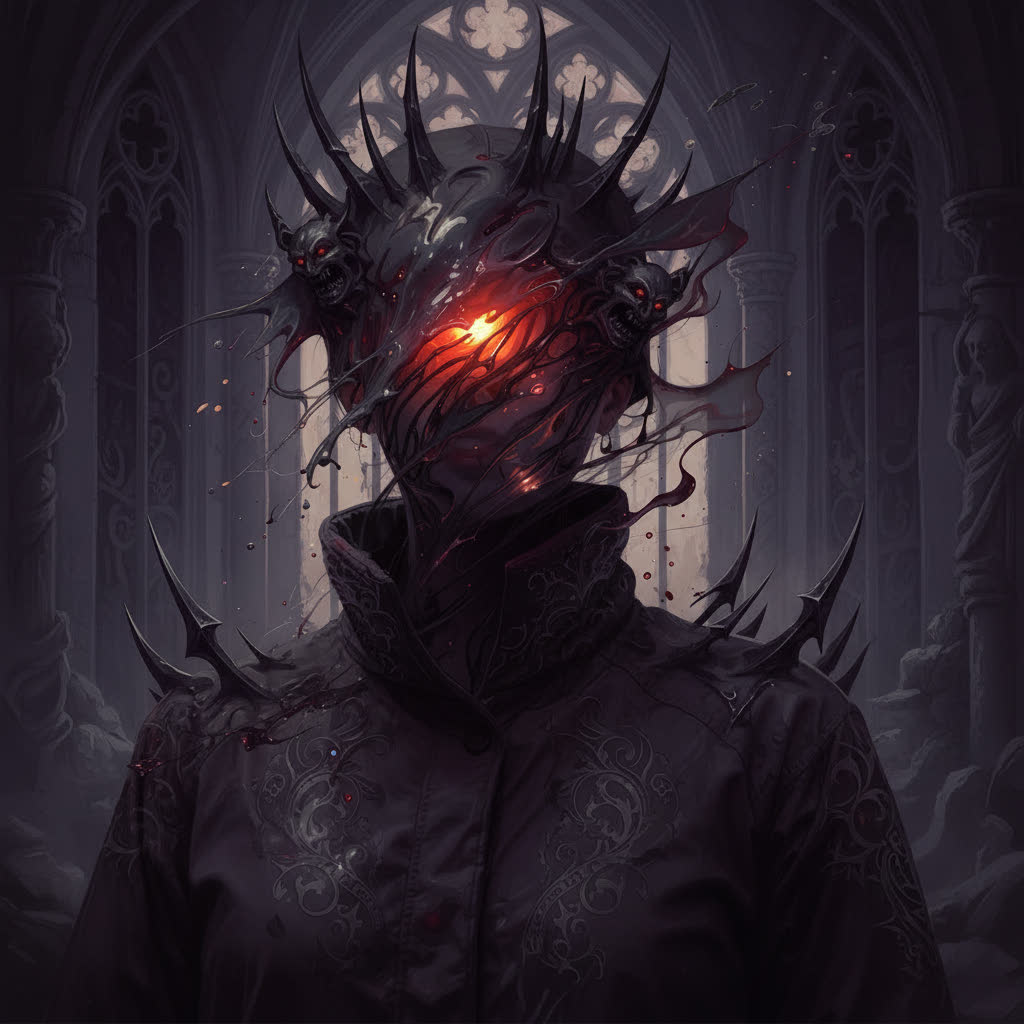
Transform the image into a gothic style, with dark, moody tones, intricate details, and dramatic lighting. Add elements like ornate patterns, shadows, and a mysterious, eerie atmosphere.
enable_base64_output: enable_sync_mode: output_format: defaultaspect_ratio: 1:1FAQ
Short answers.
How much does Nano Banana Edit cost?
List price starts at $0.057 per image at the base resolution; higher resolutions and longer durations cost more. Per-use pricing, no subscription. Model prices are reference prices. The prompt workspace is free during the period shown on the homepage; no automatic charges.
Is Nano Banana Edit good for e-commerce product photos?
It is an image-editing model, which is the core job here: background cleanup, relighting, inpainting, label or packaging text fixes and upscaling. Keep one instruction per pass so the product, logo and SKU details stay locked. Google's standard content policy applies.
What does Nano Banana Edit take as input?
It is a image editing model. Google's state-of-the-art image generation and editing model.
How do I use Nano Banana Edit?
Upload the image and describe the edit narrowly. Inpainting, restyle, upscale and background work all do better with one instruction per pass than with a paragraph of changes. Register or sign in to edit product photos with Qwen Image Edit. Other models on this page are catalog references.
Related