
Krea-2 Trubo Text-to-Image
Generate high-fidelity images from text in seconds with Krea 2 Turbo, the speed-optimized open-source version of Krea 2, preserving its aesthetic range for rapid ideation.
What it does
Krea-2 Trubo Text-to-Image, in practice.
Krea 2 Turbo is a high-fidelity text-to-image model that generates images from text prompts in seconds. Tuned for speed without sacrificing detail, it delivers crisp, aesthetically strong results with flexible aspect ratios and optional prompt expansion — ideal for rapid creative iteration and production-ready visuals.
Product photo workspace
This page is a model reference. The workspace supports white backgrounds, scene changes, packaging text edits and model try-on using Qwen Image Edit.
Parameters
What you can set.
| Parameter | What it does | Options |
|---|---|---|
prompt | The text prompt describing the image to generate. | |
image_size | Output image size. Choose a preset or specify custom dimensions. | square_hd square portrait_3_4 portrait_9_16 landscape_4_3 landscape_16_9 |
num_images | Number of images to generate. | default 1 |
seed | Seed for reproducible generation. Omit for a random seed. | |
output_format | Output image format. | png jpeg |
Sample prompt
The prompt behind the sample.
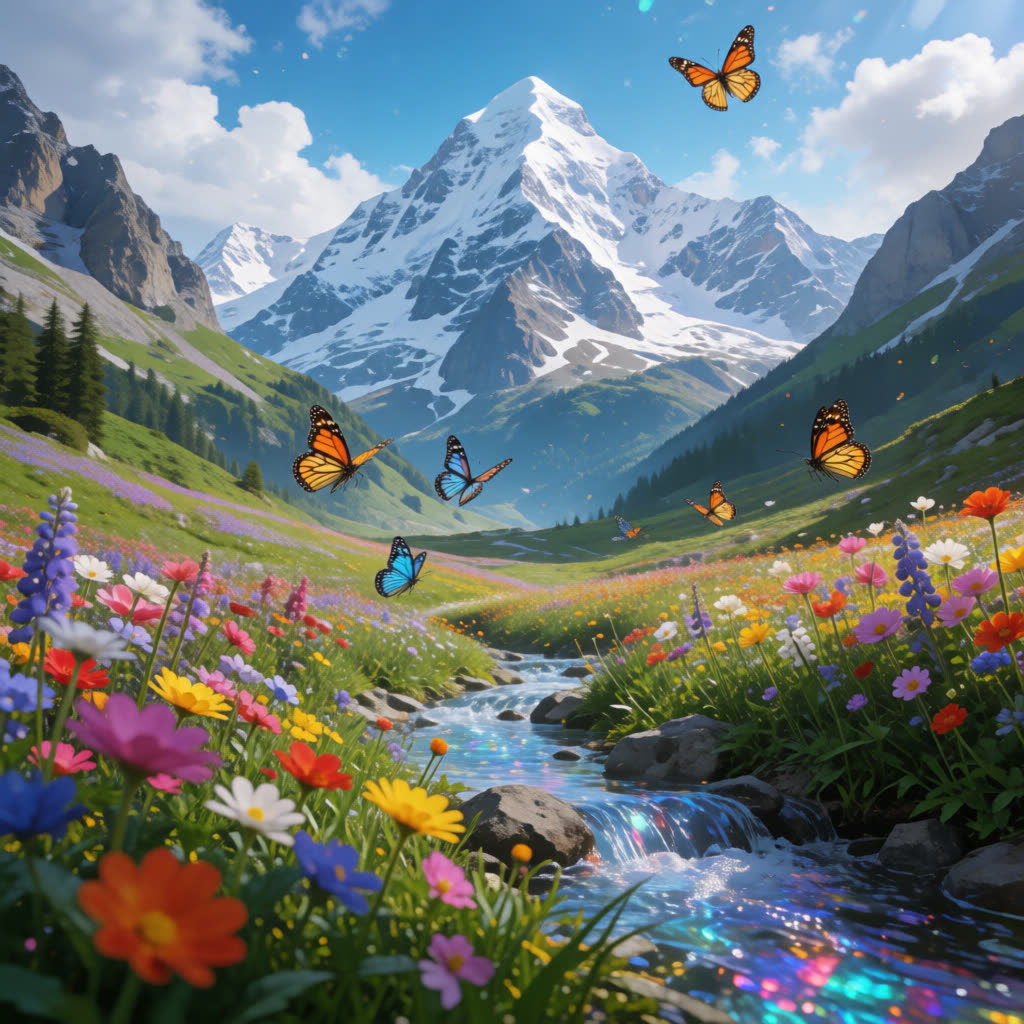
A colorful alpine meadow blooming beneath towering snow-capped mountains, butterflies dancing among vibrant flowers, crystal stream flowing gently through the valley, cinematic realism, breathtaking scenery
image_size: square_hdnum_images: 1output_format: pngFAQ
Short answers.
How much does Krea-2 Trubo Text-to-Image cost?
List price starts at $0.012 per image at the base resolution; higher resolutions and longer durations cost more. Per-use pricing, no subscription. Model prices are reference prices. The prompt workspace is free during the period shown on the homepage; no automatic charges.
What content policy applies to Krea-2 Trubo Text-to-Image?
Krea's standard content policy, plus this site's commercial-use rules: product, catalog and marketing work. Uploads are processed for your request only and are not used for training.
What does Krea-2 Trubo Text-to-Image take as input?
It is a text-to-image model. Generate high-fidelity images from text in seconds with Krea 2 Turbo, the speed-optimized open-source version of Krea 2, preserving its aesthetic range for rapid ideation.
How do I use Krea-2 Trubo Text-to-Image?
Prompt for composition first — subject, lens, light — then style. This is also the fastest way to make a first frame you can hand to an image-to-video model. Register or sign in to edit product photos with Qwen Image Edit. Other models on this page are catalog references.
Related