
Grok Imagine Image Edit
xAI Grok Imagine edits one or more reference images with natural-language instructions at 1K or 2K resolution. Supports single image and multi-image (<IMAGE_0>, <IMAGE_1>) reference editing.
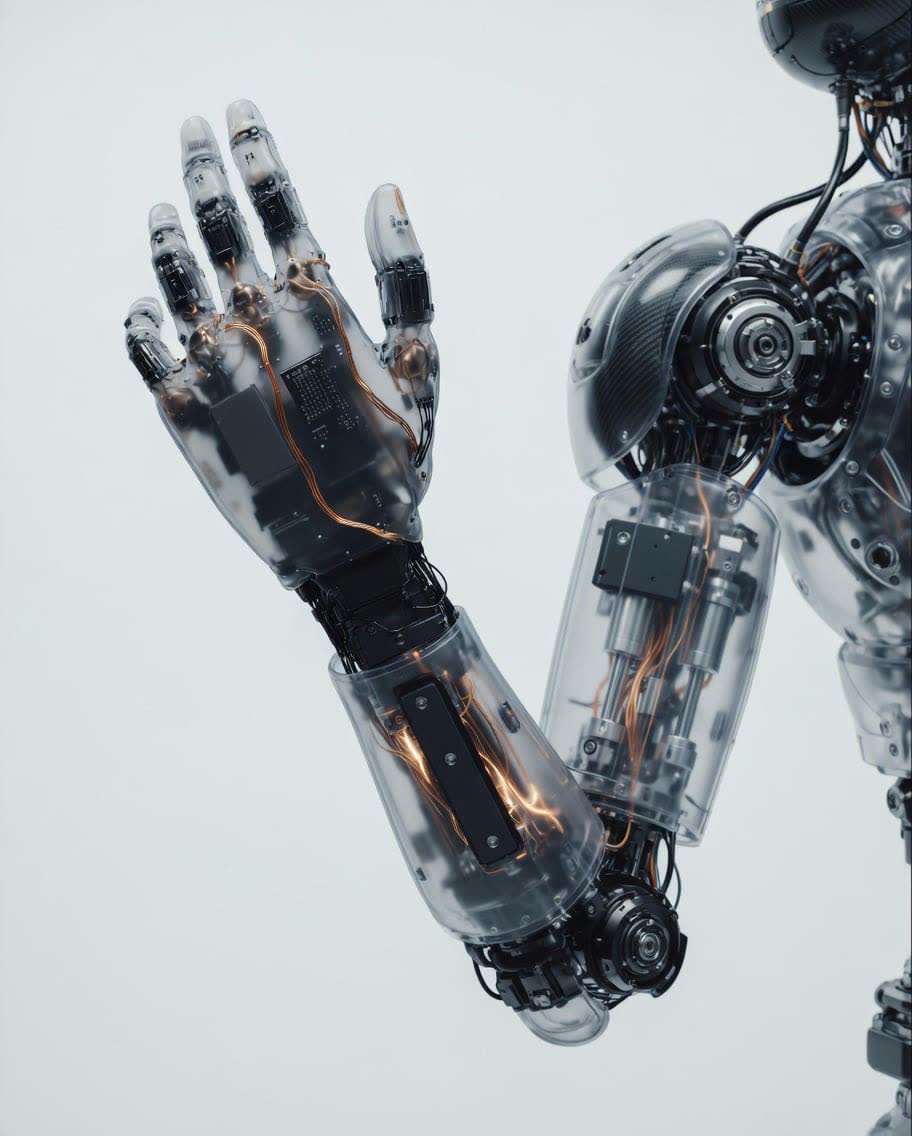
What it does
Grok Imagine Image Edit, in practice.
Run Grok Imagine Image Edit
from $0.030/imageParameters
What you can set.
| Parameter | What it does | Options |
|---|---|---|
prompt | Editing instruction. For multi-image references, cite each input as <IMAGE_0>, <IMAGE_1>, ... | default Render this as a pencil sketch with detailed shading. |
image_urls | Source images. Each entry is either a public URL or a base64-encoded data URI (e.g. `data:image/png;base64,...`). At least one image is required. | |
num_images | Number of edited images to generate. Each output image is billed separately. | 1 2 3 4 |
aspect_ratio | Aspect ratio of the edited image. With a single source image, the output respects the input's aspect ratio regardless of this value. `auto` lets the model pick. | auto 1:1 3:4 4:3 9:16 16:9 2:3 3:2 9:19.5 19.5:9 9:20 20:9 |
resolution | Output resolution. 1k = 1024x1024, 2k = 2048x2048. | 1k 2k |
Sample prompt
The prompt behind the sample.
Complete the entire arm, matching the style of the image.
num_images: 1aspect_ratio: autoresolution: 1kenable_base64_output: FAQ
Short answers.
How much does Grok Imagine Image Edit cost?
Pricing starts at $0.030 per image at the base resolution; higher resolutions and longer durations cost more. Usage is billed per request from your balance — no subscription.
Does Grok Imagine Image Edit run uncensored here?
No. xAI applies its own content policy to this model regardless of where it is called from. For a route without an extra platform filter use Uncensored MiniMax H3; this page lists Grok Imagine Image Edit for everything else it does well.
What does Grok Imagine Image Edit take as input?
It is a image editing model. xAI Grok Imagine edits one or more reference images with natural-language instructions at 1K or 2K resolution. Supports single image and multi-image (<IMAGE_0>, <IMAGE_1>) reference editing.
How do I use it?
Enter an invite code to open Chat with the model loaded, or join the waitlist. We open seats in batches and track which models are requested most.
Related