
Grok Imagine Image Quality Edit
xAI Grok Imagine edits one or more reference images with natural-language instructions at 1K or 2K resolution. Supports single image and multi-image (<IMAGE_0>, <IMAGE_1>) reference editing.
What it does
Grok Imagine Image Quality Edit, in practice.
Grok Imagine Image Quality is xAI's flagship image generation and editing system, also known as "Quality Mode," designed to deliver photorealistic imagery, legible in-image typography, and tight prompt adherence across diverse visual styles. This README applies to the following API model identifiers: Developed by xAI and built on the Aurora foundation—an autoregressive Mixture-of-Experts (MoE) architecture that differentiates it from diffusion-based competitors—Grok Imagine Image Quality targets creators, developers, and enterprises who require high-fidelity static imagery alongside natural-language editing. The consumer version launched on April 3, 2026 via grok.com/imagine and the Grok iOS
- Aurora MoE Architecture: Unlike most image generators that rely on diffusion, Grok Imagine Image Quality is powered by Aurora, an autoregressive Mixture-of-Experts model. This approach yields strong facial consistency, accurate textures, and cinematic lighting behavior that reviewers have compared favorably with diffusion competitors on photorealistic sharpness.
- High-Fidelity Text Rendering: The model produces legible in-image typography across multiple languages, addressing one of the historically weakest areas of generative image models. While Ideogram and GPT Image 2 still hold the lead in pure text rendering, Quality Mode closes the gap considerably versus prior Grok generations.
- Prompt-Driven Editing Without Masks: The `xai/grok-imagine-image-quality/edit` variant supports object addition, removal, swapping, style transfer, and multi-image reference composition entirely through natural-language prompts. No mask-based inpainting is required, and multi-turn iterative refinement is supported for progressive edits.
- Multi-Resolution and Multi-Format Output: Outputs are available at 1K (1024×1024) or 2K (2048×2048) resolution, across 13 aspect ratios ranging from 2:1 to 1:2. JPEG, PNG, and WebP formats are supported, with alpha channel available on PNG and WebP.
- Batch Generation: Both variants accept a `num_images` parameter (1–4) to generate multiple candidates per request, useful for creative exploration and A/B selection in production pipelines.
- Broad Stylistic Range: The model demonstrates competent prompt adherence across photorealistic, anime, oil painting, 3D-rendered, and abstract styles, making it suitable for varied creative and commercial briefs from a single endpoint.
Run Grok Imagine Image Quality Edit
from $0.075/imageParameters
What you can set.
| Parameter | What it does | Options |
|---|---|---|
prompt | Editing instruction. For multi-image references, cite each input as <IMAGE_0>, <IMAGE_1>, ... | default Render this as a pencil sketch with detailed shading. |
image_urls | Source images. Each entry is either a public URL or a base64-encoded data URI (e.g. `data:image/png;base64,...`). At least one image is required; each input is billed at $0.01. | |
num_images | Number of edited images to generate. Each output image is billed separately. | 1 2 3 4 |
aspect_ratio | Aspect ratio of the edited image. With a single source image, the output respects the input's aspect ratio regardless of this value. `auto` lets the model pick. | auto 1:1 3:4 4:3 9:16 16:9 2:3 3:2 9:19.5 19.5:9 9:20 20:9 |
resolution | Output resolution. 1k = 1024x1024 ($0.05/image), 2k = 2048x2048 ($0.07/image). | 1k 2k |
Sample prompt
The prompt behind the sample.
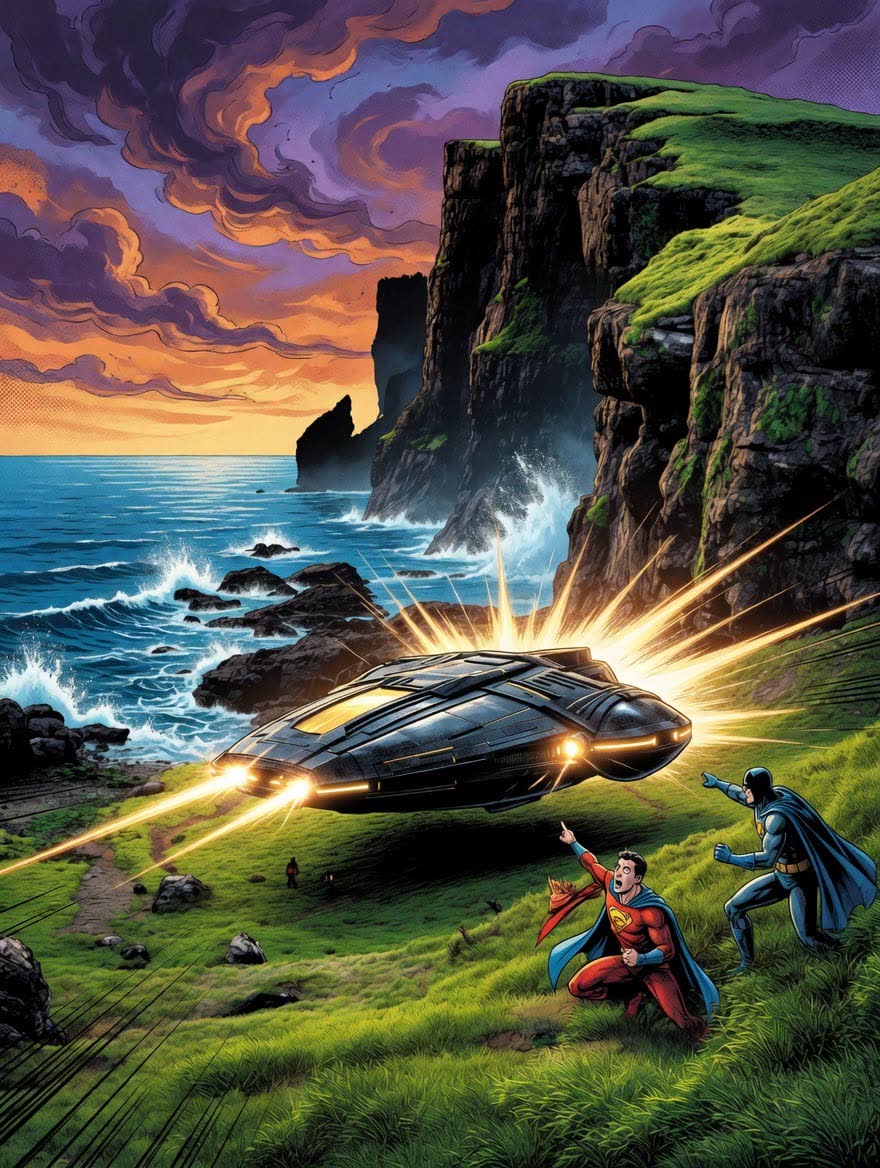
Transform the image into a dynamic Western comic book style, emphasizing bold outlines, vivid colors, dramatic shading, and exaggerated expressions. Include halftone textures, action lines, and stylized backgrounds to capture the energy and flair of classic superhero comics. High contrast and cinematic composition to enhance visual impact.
num_images: 1aspect_ratio: autoresolution: 1kenable_base64_output: FAQ
Short answers.
How much does Grok Imagine Image Quality Edit cost?
Pricing starts at $0.075 per image at the base resolution; higher resolutions and longer durations cost more. Usage is billed per request from your balance — no subscription.
Does Grok Imagine Image Quality Edit run uncensored here?
No. xAI applies its own content policy to this model regardless of where it is called from. For a route without an extra platform filter use Uncensored MiniMax H3; this page lists Grok Imagine Image Quality Edit for everything else it does well.
What does Grok Imagine Image Quality Edit take as input?
It is a image editing model. xAI Grok Imagine edits one or more reference images with natural-language instructions at 1K or 2K resolution. Supports single image and multi-image (<IMAGE_0>, <IMAGE_1>) reference editing.
How do I use it?
Enter an invite code to open Chat with the model loaded, or join the waitlist. We open seats in batches and track which models are requested most.
Related