Upload the garment reference
Clear flat-lay or hanger photo showing cut, fabric weave, and print.
 minimaxiStudio
新規登録
スタジオを開く
アパレル着用画像
SKU ごとにモデル、カメラマン、スタジオを手配すると数十万円。平置き写真と合成モデルの指定だけで、1枚数円〜数十円で着用画像を作れます。
ワークスペースで画像をアップロードし、背景や文字、モデル着用画像を編集できます。
かんたん指示テンプレート
「白背景」「シーン合成」「パッケージ文字修正」「モデル試着」から選ぶだけで、商品の形やロゴを崩さない指示文が完成します。
正面のメイン商品アングル、輪郭くっきり。ゴールドのスポイト付きガラス製美容液ボトル。ブランドのロゴとラベル文字は100%そのまま維持する,純白 #FFFFFF 背景+柔らかな接地影。
使い方
Clear flat-lay or hanger photo showing cut, fabric weave, and print.
Describe the synthetic model demographic, pose, and daylight or studio softbox setup.
Review lapel lines, sleeve length, and fabric fall; upscale keepers to 4K.
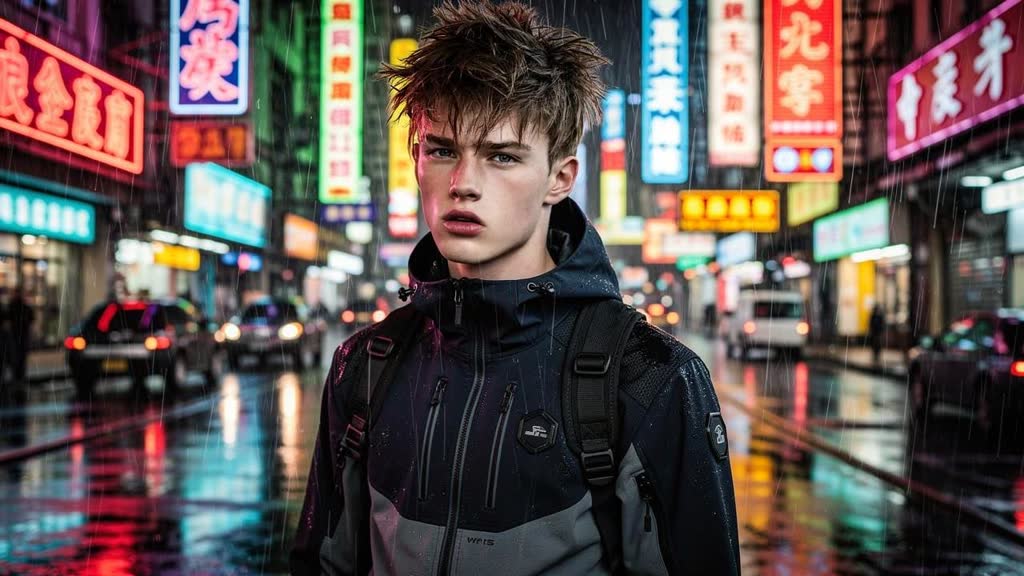
入力データ
出力データ
採用モデル
1枚あたり・1秒あたりの明朗会計。文字修正に強い Qwen Image Edit と、光と質感に強い Flux Kontext / Pro を適材適所で組み合わせます。
よくある質問
Flux 2 Pro Edit and Qwen Image Edit condition directly on your garment reference image so seam lines, pockets, and prints transfer accurately.
Yes. Generated synthetic models carry zero talent agency renewal fees or likeness disputes. Do not upload non-consenting real people.
Yes — pair this tool with Multi-Angle SKU & Model Turnaround Sheet (/tools/character-sheet/) to lock one brand model across your entire store.
メールアドレスとパスワードで登録して利用できます。無料期間はホームとワークスペースに表示されます。カード登録や自動課金はありません。
関連ツール
登録またはログインして編集プロンプトを作成・保存できます。