
MAI-Image-2.5 Edit
Microsoft's flagship image-to-image editing model, enabling precise, controllable edits to existing images through natural language instructions.
What it does
MAI-Image-2.5 Edit, in practice.
MAI-Image-2.5 Edit is Microsoft's flagship image-to-image editing model, enabling precise, controllable edits to existing images through natural language instructions. Built on the same diffusion-based generative architecture as MAI-Image-2.5, it excels at surgical, targeted modifications — removing or replacing objects, updating in-image text, correcting artifacts, and adapting layouts — while preserving the original composition and visual identity. Released on June 2, 2026.
- Surgical object editing — Make targeted object edits: remove, replace, recolor, or reposition specific elements without affecting the rest of the image.
- Inpainting & outpainting — Fill in missing regions, remove unwanted content, and extend image boundaries seamlessly.
- Text updates in images — Accurately update signage, labels, packaging text, and other embedded text within images.
- Artifact cleanup — Remove motion blur, noise, compression artifacts, and other visual defects.
- Layout adaptation — Adjust composition, crop, or reframe scenes while maintaining subject consistency.
- Face and identity consistency — Preserve facial features and identity across edits and modifications.
Product photo workspace
This page is a model reference. The workspace supports white backgrounds, scene changes, packaging text edits and model try-on using Qwen Image Edit.
Parameters
What you can set.
| Parameter | What it does | Options |
|---|---|---|
prompt | Text prompt describing the edit to perform on the image. Maximum context length: 32,000 tokens. | |
image | The reference image to edit. Can be a URL or a base64-encoded image string. Must be in JPEG or PNG format. The total pixel size of the image should be less than 1,376,256 pixels. |
Sample prompt
The prompt behind the sample.
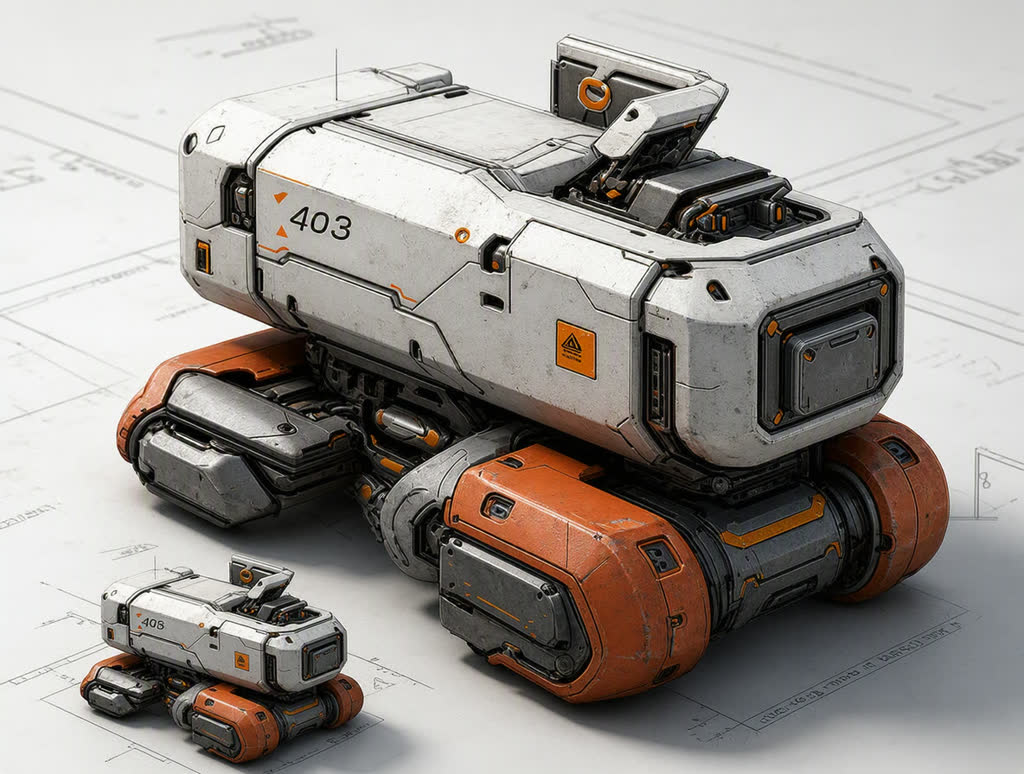
Transform images into real-world models with a metallic texture.
enable_base64_output: enable_sync_mode: FAQ
Short answers.
How much does MAI-Image-2.5 Edit cost?
List price starts at $0.087 per image at the base resolution; higher resolutions and longer durations cost more. Per-use pricing, no subscription. Model prices are reference prices. The prompt workspace is free during the period shown on the homepage; no automatic charges.
Is MAI-Image-2.5 Edit good for e-commerce product photos?
It is an image-editing model, which is the core job here: background cleanup, relighting, inpainting, label or packaging text fixes and upscaling. Keep one instruction per pass so the product, logo and SKU details stay locked. Microsoft's standard content policy applies.
What does MAI-Image-2.5 Edit take as input?
It is a image editing model. Microsoft's flagship image-to-image editing model, enabling precise, controllable edits to existing images through natural language instructions.
How do I use MAI-Image-2.5 Edit?
Upload the image and describe the edit narrowly. Inpainting, restyle, upscale and background work all do better with one instruction per pass than with a paragraph of changes. Register or sign in to edit product photos with Qwen Image Edit. Other models on this page are catalog references.
Compare
Head-to-head, with real specs and samples.
Related