
MAI-Image-2.5-Flash Edit
Microsoft's fast, cost-optimized image-to-image editing model, enabling precise edits to existing images at significantly lower cost than the standard MAI-Image-2.5 Edit.
What it does
MAI-Image-2.5-Flash Edit, in practice.
MAI-Image-2.5-Flash Edit is Microsoft's fast, cost-optimized image-to-image editing model, enabling precise, controllable edits to existing images through natural language instructions at significantly lower cost than the standard MAI-Image-2.5 Edit. It uses the same diffusion-based generative architecture, excelling at surgical, targeted modifications — removing or replacing objects, updating in-image text, correcting artifacts, and adapting layouts — while preserving the original composition and visual identity. Released on June 2, 2026.
- Surgical object editing — Make targeted object edits: remove, replace, recolor, or reposition specific elements without affecting the rest of the image.
- Inpainting & outpainting — Fill in missing regions, remove unwanted content, and extend image boundaries seamlessly.
- Text updates in images — Accurately update signage, labels, packaging text, and other embedded text within images.
- Artifact cleanup — Remove motion blur, noise, compression artifacts, and other visual defects.
- Layout adaptation — Adjust composition, crop, or reframe scenes while maintaining subject consistency.
- Face and identity consistency — Preserve facial features and identity across edits and modifications.
Run MAI-Image-2.5-Flash Edit
from $0.057/imageParameters
What you can set.
| Parameter | What it does | Options |
|---|---|---|
prompt | Text prompt describing the edit to perform on the image. Maximum context length: 32,000 tokens. | |
image | The reference image to edit. Can be a URL or a base64-encoded image string. Must be in JPEG or PNG format. The total pixel size of the image should be less than 1,376,256 pixels. |
Sample prompt
The prompt behind the sample.
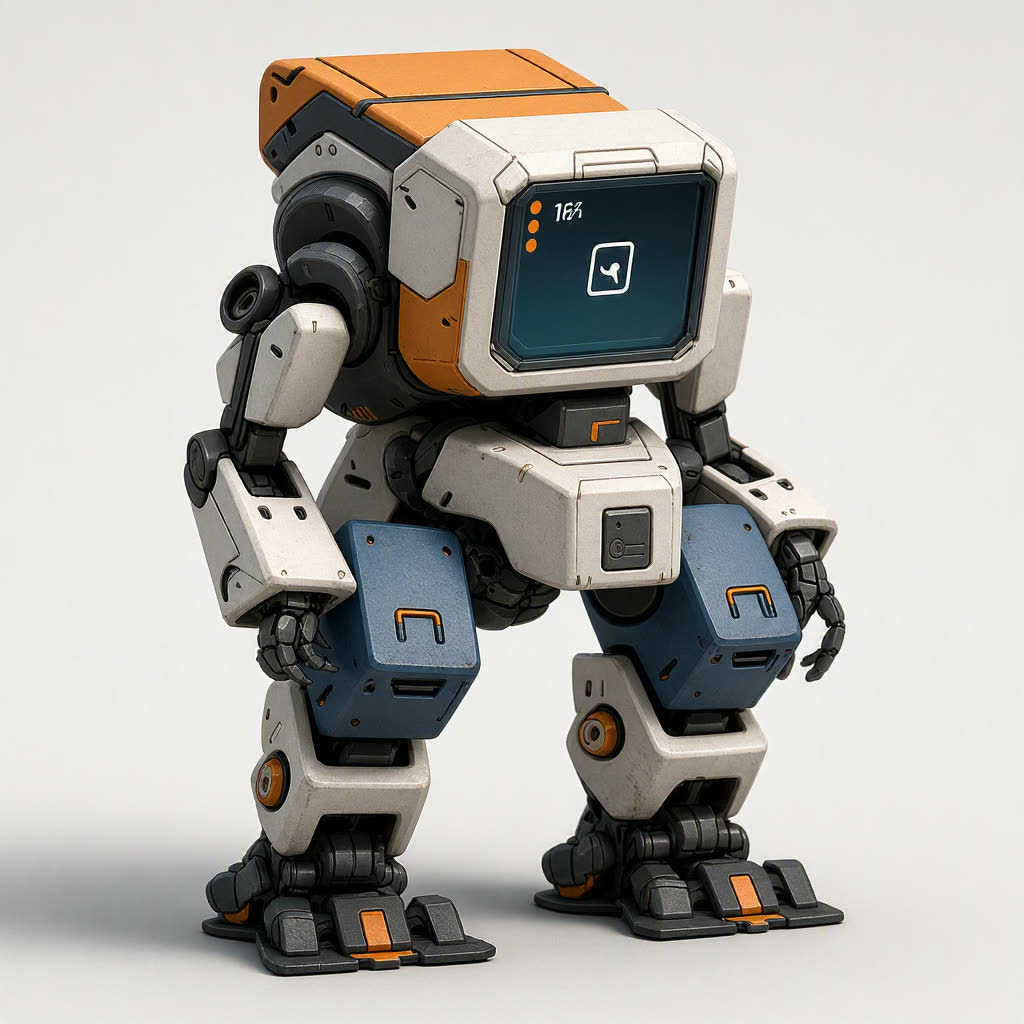
Convert images into 3D figurine models.
enable_base64_output: enable_sync_mode: FAQ
Short answers.
How much does MAI-Image-2.5-Flash Edit cost?
Pricing starts at $0.057 per image at the base resolution; higher resolutions and longer durations cost more. Usage is billed per request from your balance — no subscription.
Does MAI-Image-2.5-Flash Edit run uncensored here?
No. Microsoft applies its own content policy to this model regardless of where it is called from. For a route without an extra platform filter use Uncensored MiniMax H3; this page lists MAI-Image-2.5-Flash Edit for everything else it does well.
What does MAI-Image-2.5-Flash Edit take as input?
It is a image editing model. Microsoft's fast, cost-optimized image-to-image editing model, enabling precise edits to existing images at significantly lower cost than the standard MAI-Image-2.5 Edit.
How do I use it?
Enter an invite code to open Chat with the model loaded, or join the waitlist. We open seats in batches and track which models are requested most.
Related