
Openai GPT Image-1 Edit
OpenAI's gpt-image-1 enables image generation and image editing via OpenAI's image API, ideal for creating and refining images.
What it does
Openai GPT Image-1 Edit, in practice.
Edit and transform images with natural language using OpenAI's GPT-Image-1-Edit. This versatile model understands your instructions to apply style changes, modifications, and creative transformations — with optional mask support for precise regional editing and multiple quality tiers to match your needs and budget.
- Natural language editing: Describe transformations in plain text — style changes, modifications, enhancements.
- Mask support: Use mask images for precise control over which areas to edit.
- Quality tiers: Choose from `low`, `medium`, or `high` quality based on your needs.
- Multiple sizes: Output in square (`1024x1024`) or rectangular (`1024x1536`, `1536x1024`) formats.
- Style transformation: Excels at converting images to different artistic styles.
- OpenAI quality: Powered by advanced vision-language understanding.
Product photo workspace
This page is a model reference. The workspace supports white backgrounds, scene changes, packaging text edits and model try-on using Qwen Image Edit.
Parameters
What you can set.
| Parameter | What it does | Options |
|---|---|---|
image | The image to edit. | |
mask_image | An additional image whose fully transparent areas (e.g. where alpha is zero) indicate where image should be edited. If there are multiple images provided, the mask will be applied on the first image. Must be a valid PNG file | |
prompt | The positive prompt for the generation. | |
quality | The quality of the generated image. | high medium low |
size | The size of the generated media in pixels (width*height). | 1024x1024 1024x1536 1536x1024 |
Sample prompt
The prompt behind the sample.
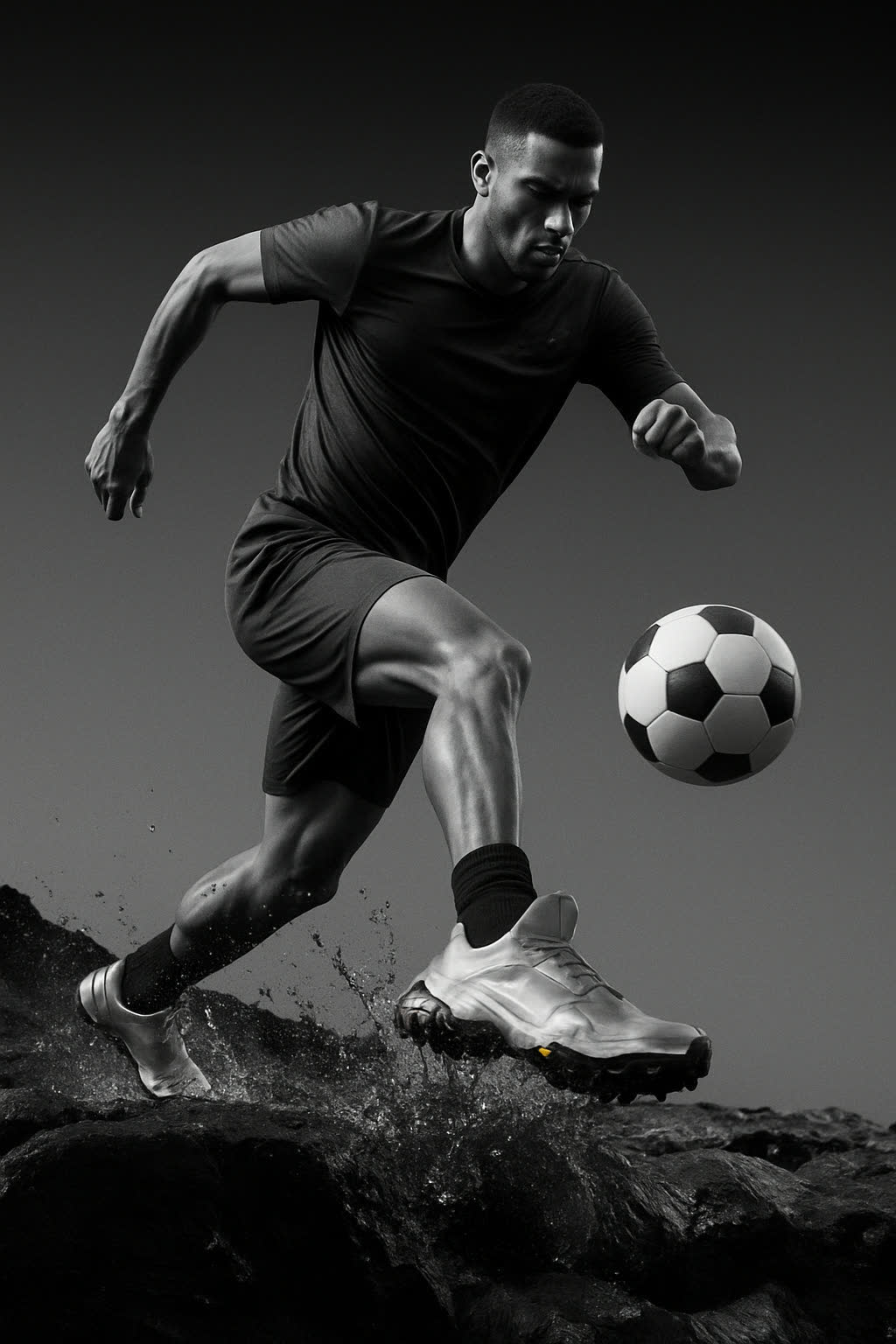
Extend and complete the original image while perfectly preserving its visual style, composition, lighting, and color grading. Seamlessly introduce a full-body football player into the scene, wearing the exact same shoes from the original image as the central focus. The player should be naturally integrated with correct perspective, scale, and shadows, matching the environment and artistic direction. Capture the athlete in a dynamic, high-energy moment (such as sprinting, dribbling, or striking the ball) to enhance visual impact. Use cinematic framing and depth to subtly highlight the shoes as
enable_base64_output: enable_sync_mode: quality: mediumsize: autoFAQ
Short answers.
How much does Openai GPT Image-1 Edit cost?
List price starts at $0.013 per image at the base resolution; higher resolutions and longer durations cost more. Per-use pricing, no subscription. Model prices are reference prices. The prompt workspace is free during the period shown on the homepage; no automatic charges.
Is Openai GPT Image-1 Edit good for e-commerce product photos?
It is an image-editing model, which is the core job here: background cleanup, relighting, inpainting, label or packaging text fixes and upscaling. Keep one instruction per pass so the product, logo and SKU details stay locked. OpenAI's standard content policy applies.
What does Openai GPT Image-1 Edit take as input?
It is a image editing model. OpenAI's gpt-image-1 enables image generation and image editing via OpenAI's image API, ideal for creating and refining images.
How do I use Openai GPT Image-1 Edit?
Upload the image and describe the edit narrowly. Inpainting, restyle, upscale and background work all do better with one instruction per pass than with a paragraph of changes. Register or sign in to edit product photos with Qwen Image Edit. Other models on this page are catalog references.
Related